- Industry
- Browser Tools
- My role
- Founder & Developer
- Website
- chromewebstore.google.com
Built with
The need.
A quick screenshot of a long page usually meant stitching several captures by hand, or uploading the image to a third-party editor just to crop or annotate it.
What shipped.
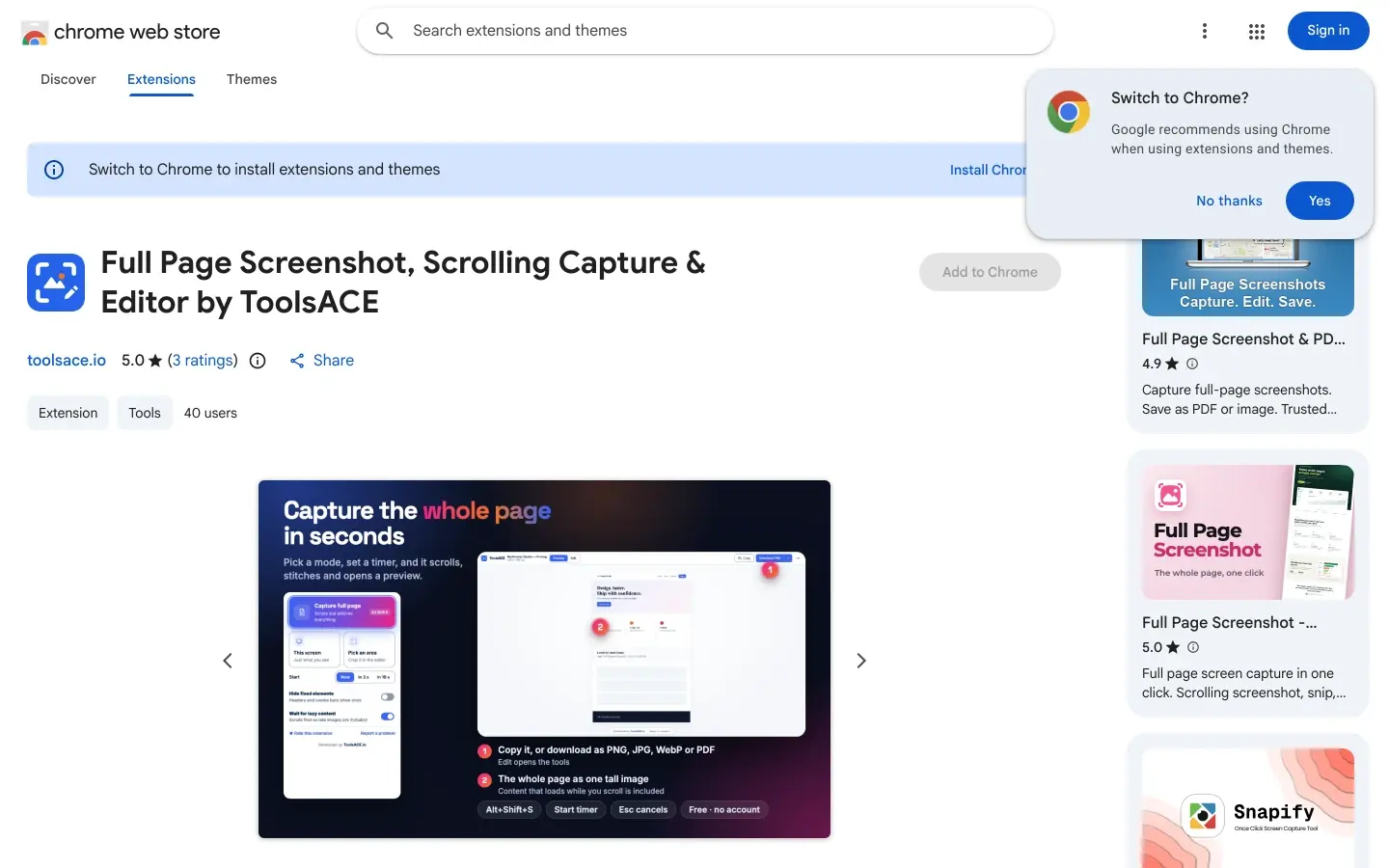
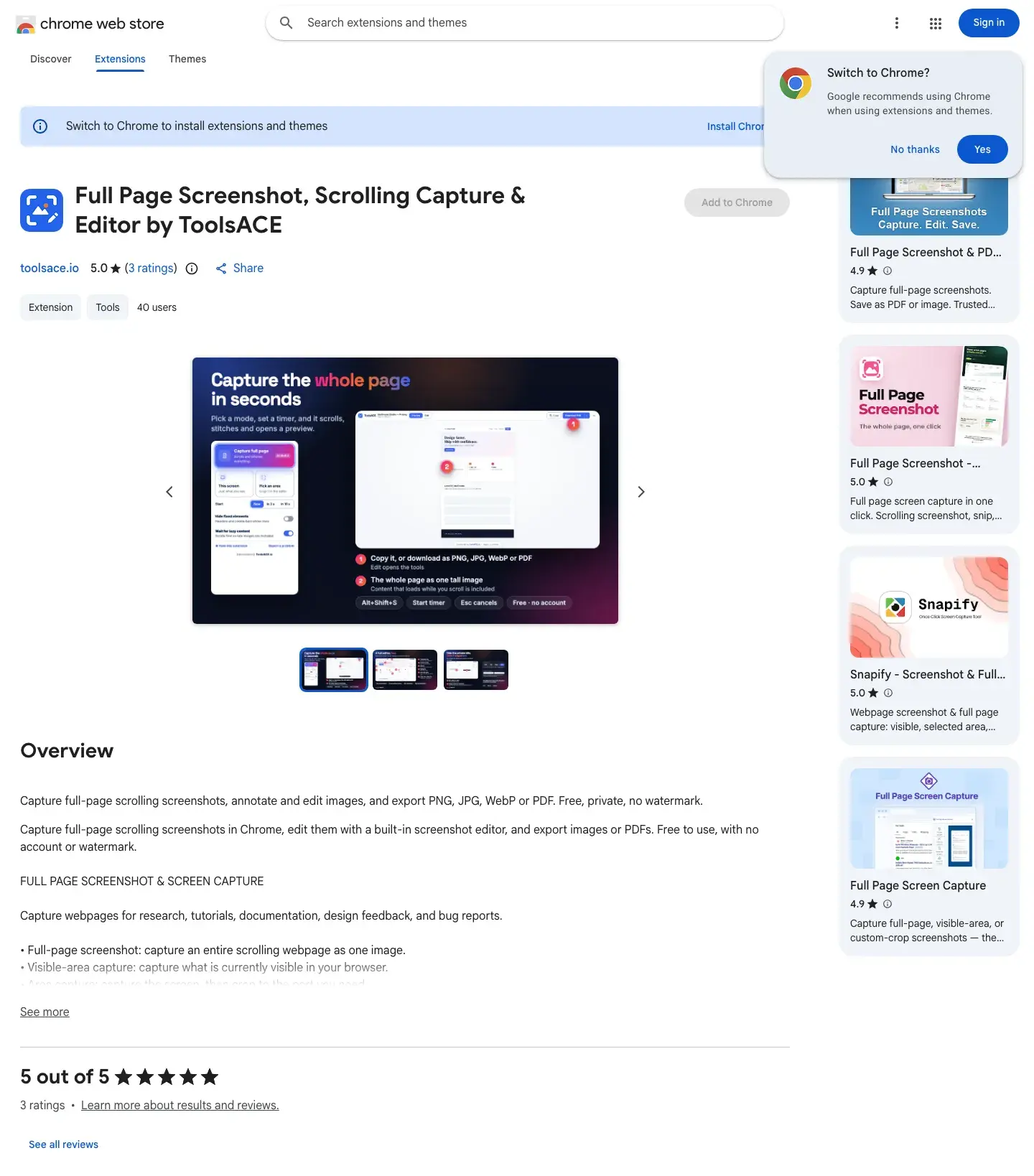
Captures the full page, the visible screen, or a picked area, with a 3s/10s capture-delay timer
Scrolls and stitches app-style sites with inner scrolling panels, not just the main page
Built-in editor: crop, rotate, pen, highlighter, arrows, shapes, text, numbered steps, stickers, and blur/redact
Exports to PNG, JPG, WebP, or a paginated PDF at 0.5x, 1x or 2x size
Wait-for-lazy-content and hide-fixed-elements toggles for tricky pages
No account, no upload, no analytics — the capture is deleted from extension storage the moment the editor opens
Want something like this?
Tell me what you need. The first consultation is free, and you deal with me directly from the first call to finished work.
More case studies
- MyDocNestHealthcare Directory

- TasksACEFormer Agency · Client Platform

- ToolsACESaaS · SEO Tooling · MCP Server

- FinocadoFinTech · SaaS

- The SG MusicianDirectory · Marketplace

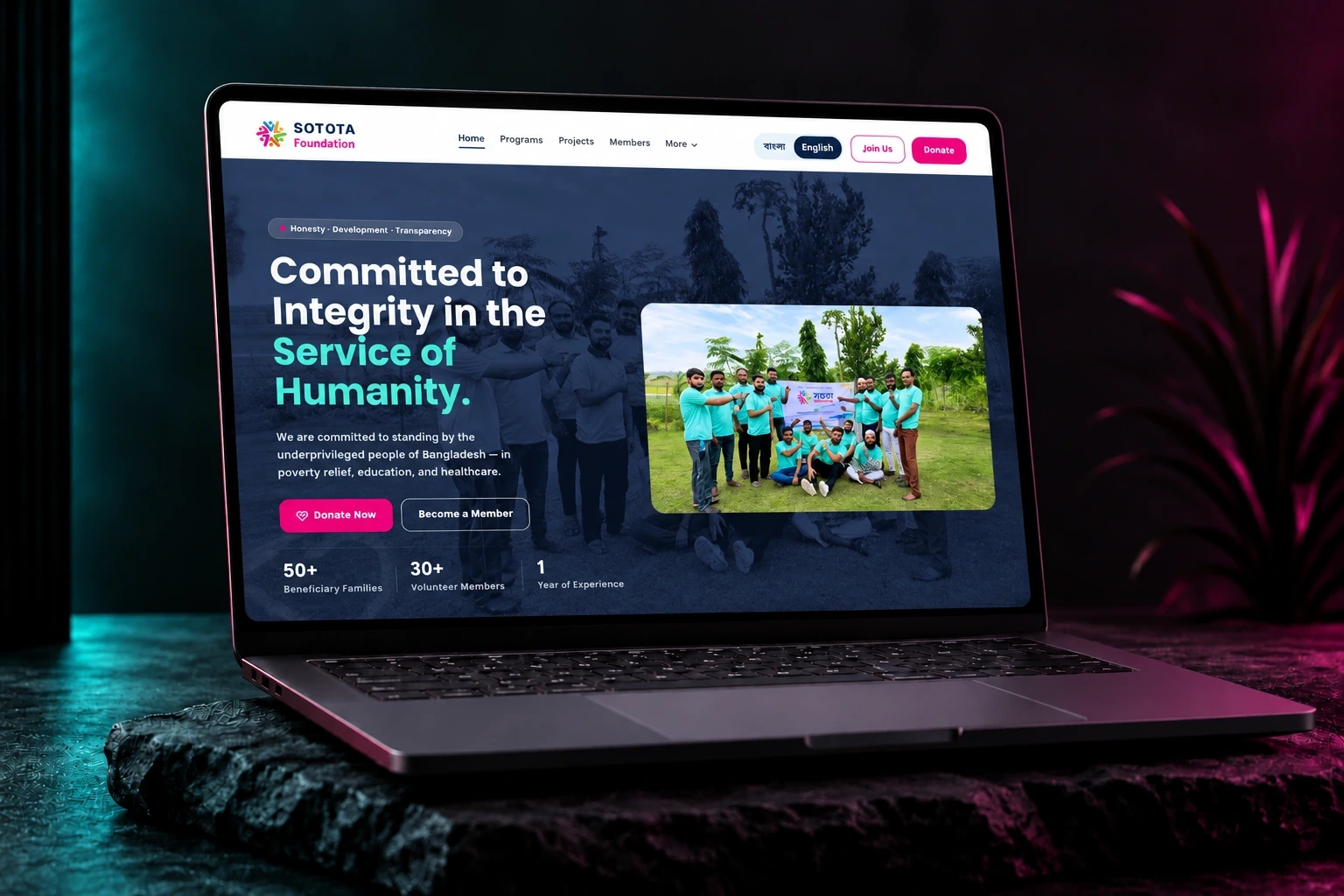
- Sotota FoundationNonprofit · Bilingual
- Bloomsberry CafeRestaurant · Hospitality

- Handhold AcademyEdTech · Live Cohort Classes

- Bulk WhatsApp Number CheckerChrome Extension